 Getting started
 Pipeline
 Forecasts
 Deals
Deals Deals (advanced)
 Proposals
 Exports
 Library
 Resources
 Integrations
 Settings
 Glossary
 FAQs
FAQs Releases
Deal templates
IN THIS ARTICLE
With deal templates, you can easily create and edit templates for commonly used deal structures, saving time, effort and increasing consistency
With deal templates, you can easily create and edit templates for commonly used deal structures. This can help reduce the time and effort required to create new proposals, and further standardise and streamline your proposal creation process.
Create a template
To create a new deal template, simply select the "Save as deal template..." option from the deal menu.
Follow the steps below to save it as a template:
- Select the deal that you want to use as a template.
- Click the More actions button (three dots) in the upper right corner,
- Select Save as deal template...
- Give it a title and click Save
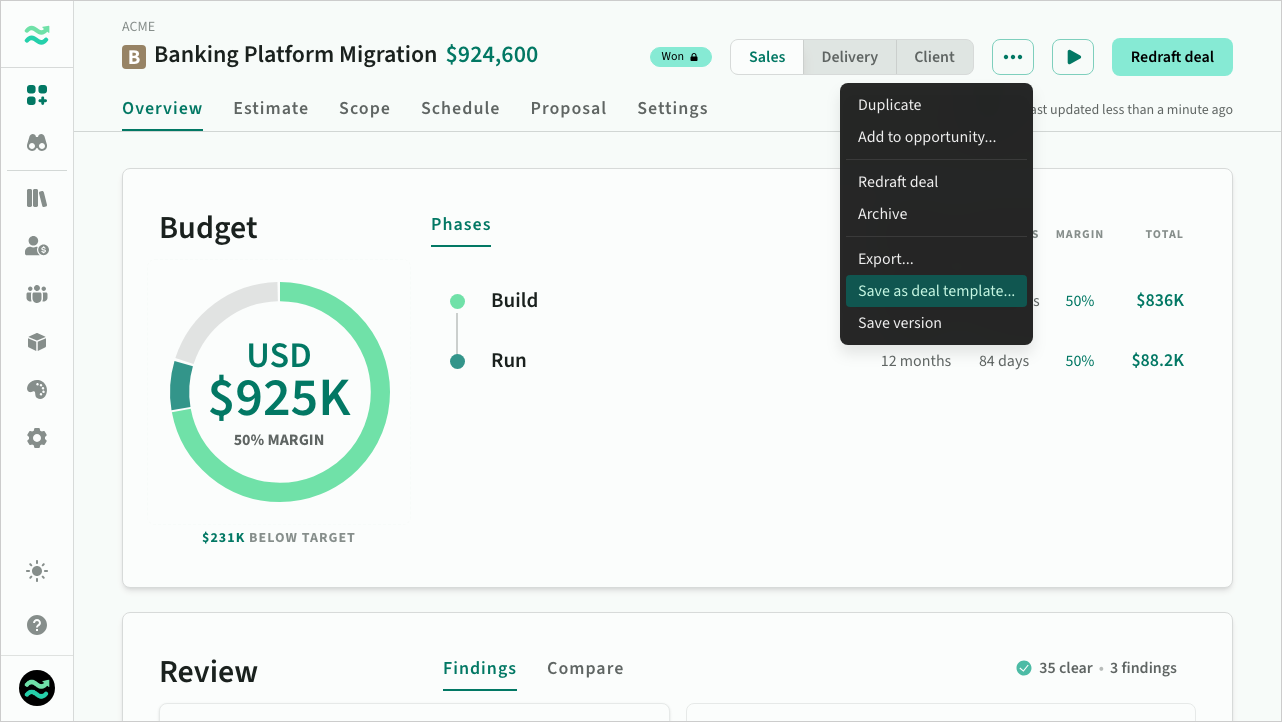 Save as deal template action
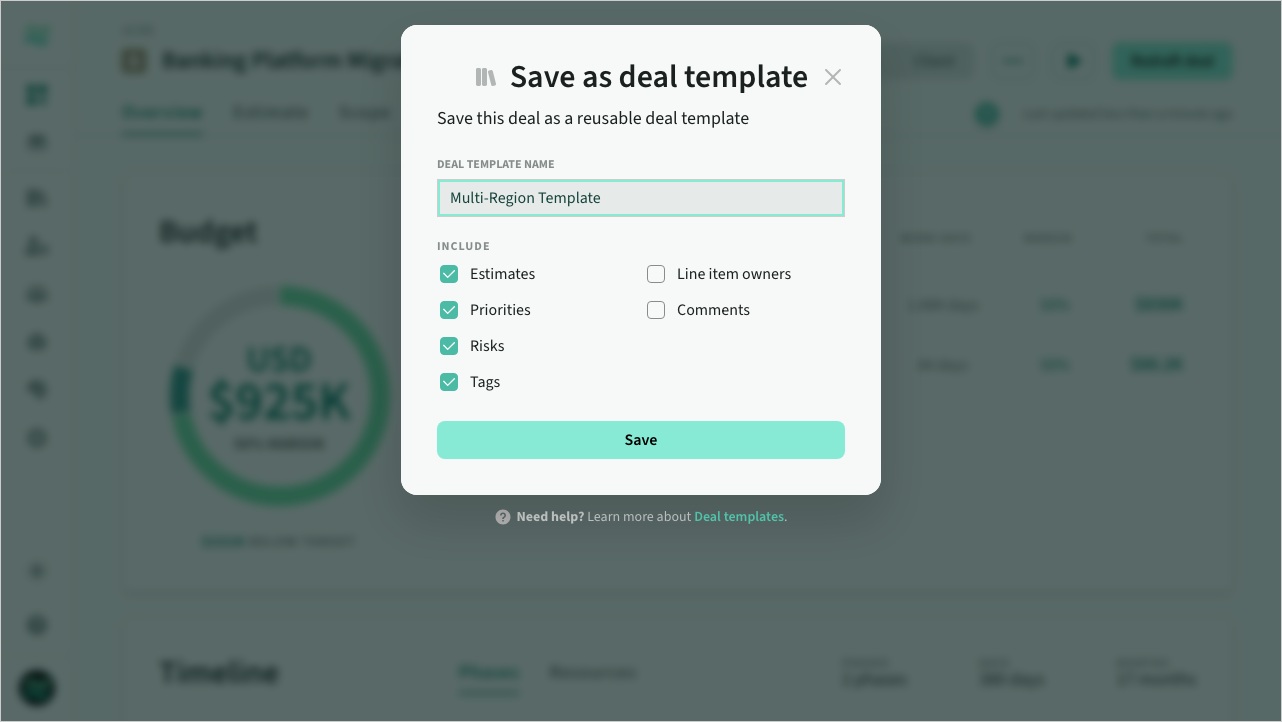 Save as deal template dialog
Browsing templates
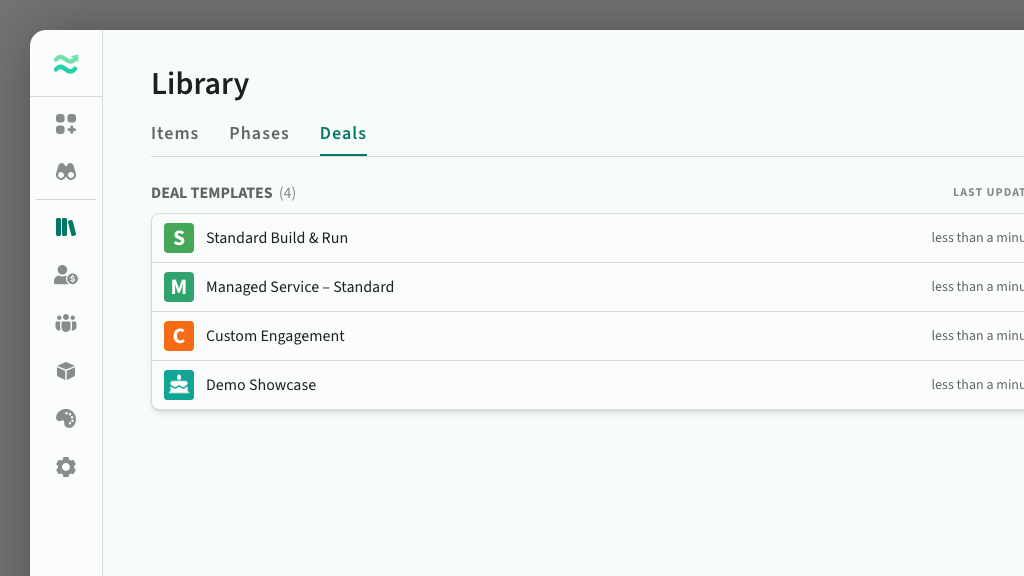
Once the deal template is saved, you can easily access it from the Library page under the Deals tab and make any necessary updates or modifications as needed.
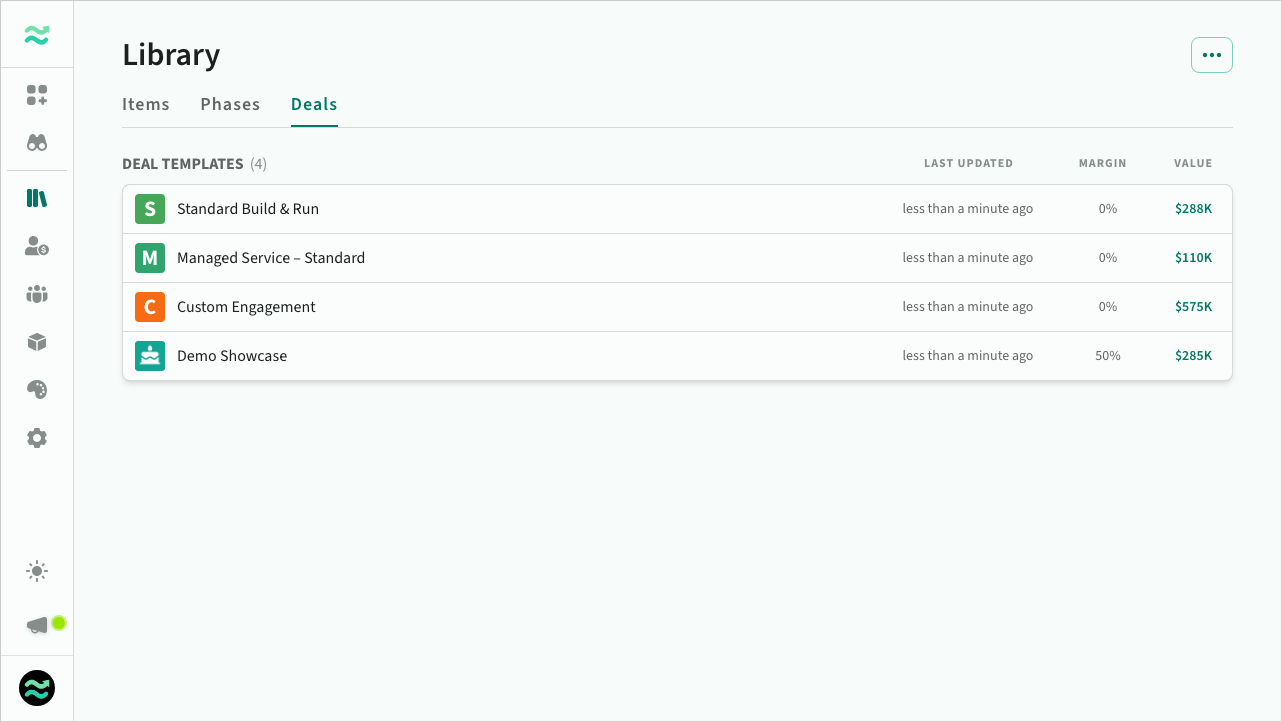 Deal templates
Editing templates
You can edit the contents of a deal template just like a normal deal, however there are a couple of minor differences to be aware of:
- No draft/approve/close workflows
- Reduced set of actions
- Non-editable due date, start date and account settings
- The start date always defaults to the start of the next calendar year (if you are exporting a deal template)
Templates support versions just like deals. Estii saves a version before you sync a template with the space, and you can save, preview, restore, rename or delete versions manually.
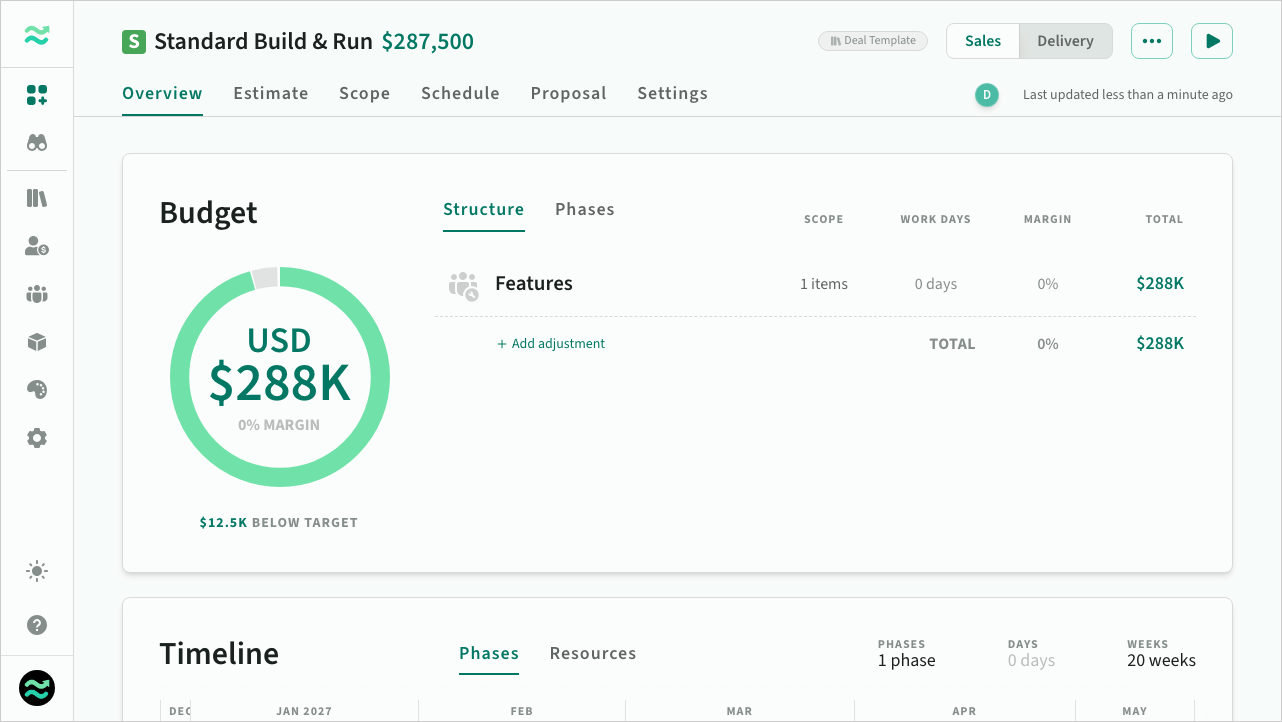 Deal template overview
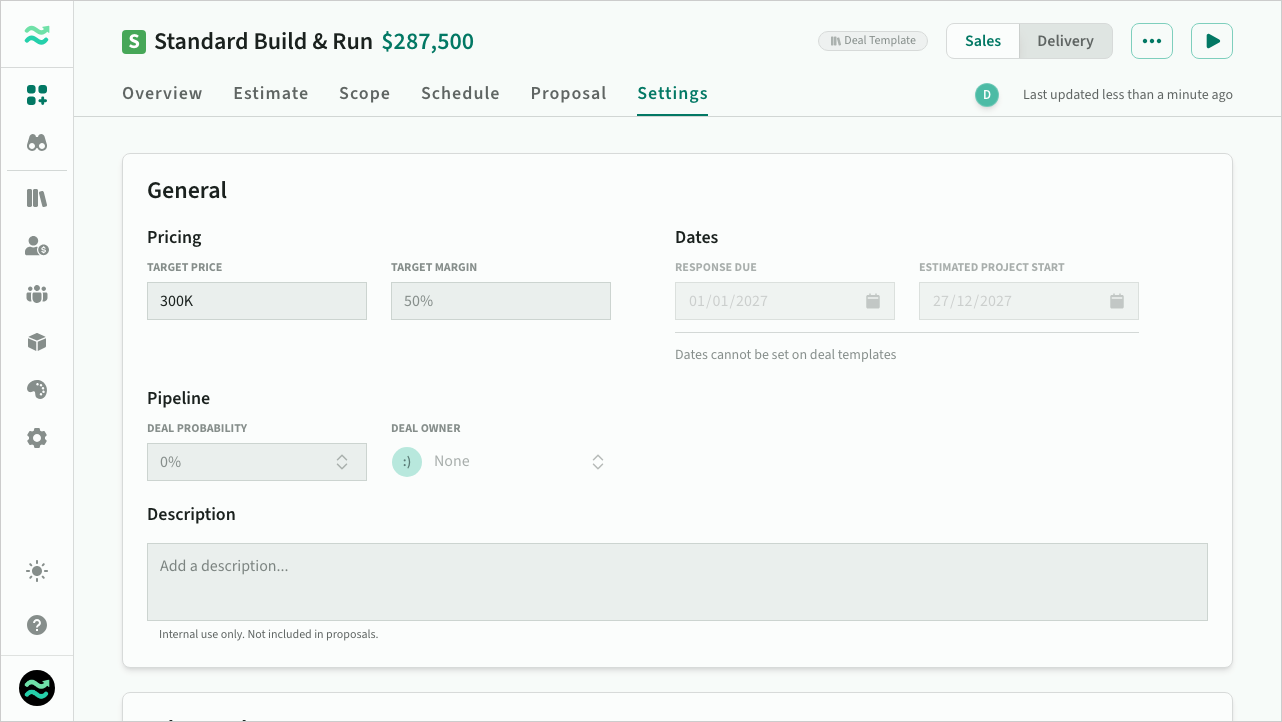 Deal template settings
Using templates
When creating a new deal, you can select from the list of available templates
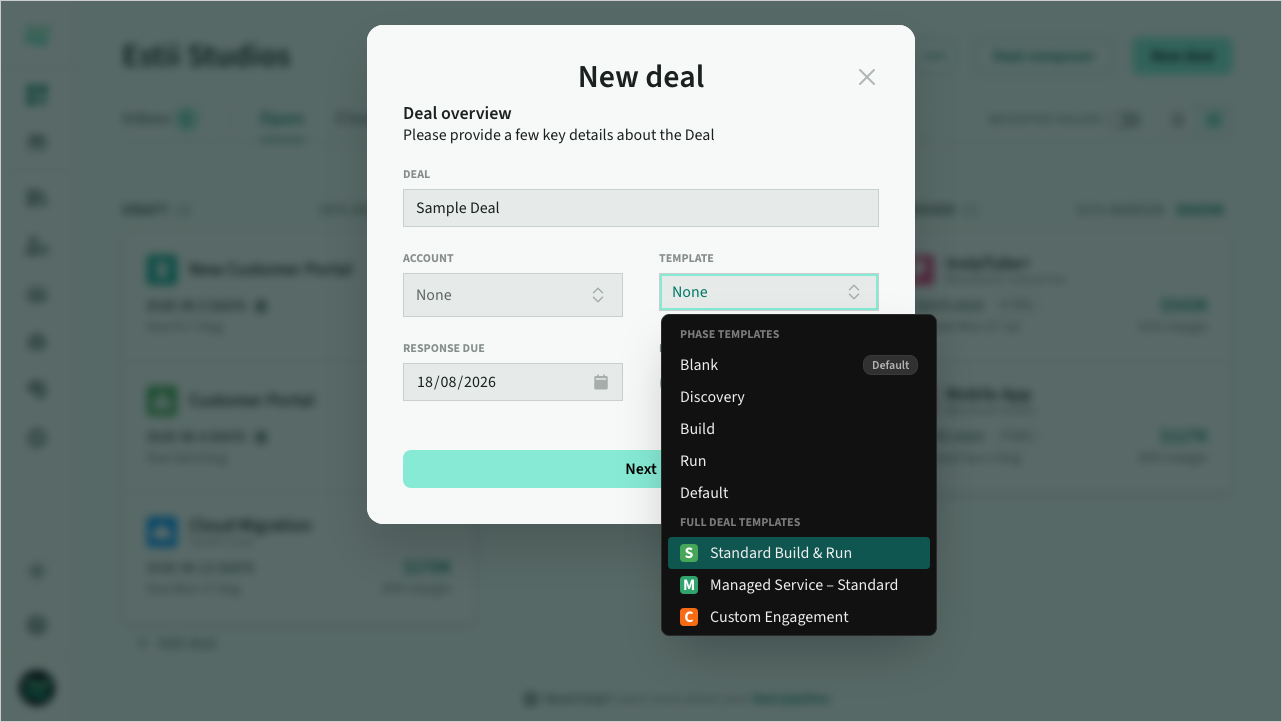 Creating a deal from a template
You can check if a deal was created from a template from the bottom of Deal > Settings
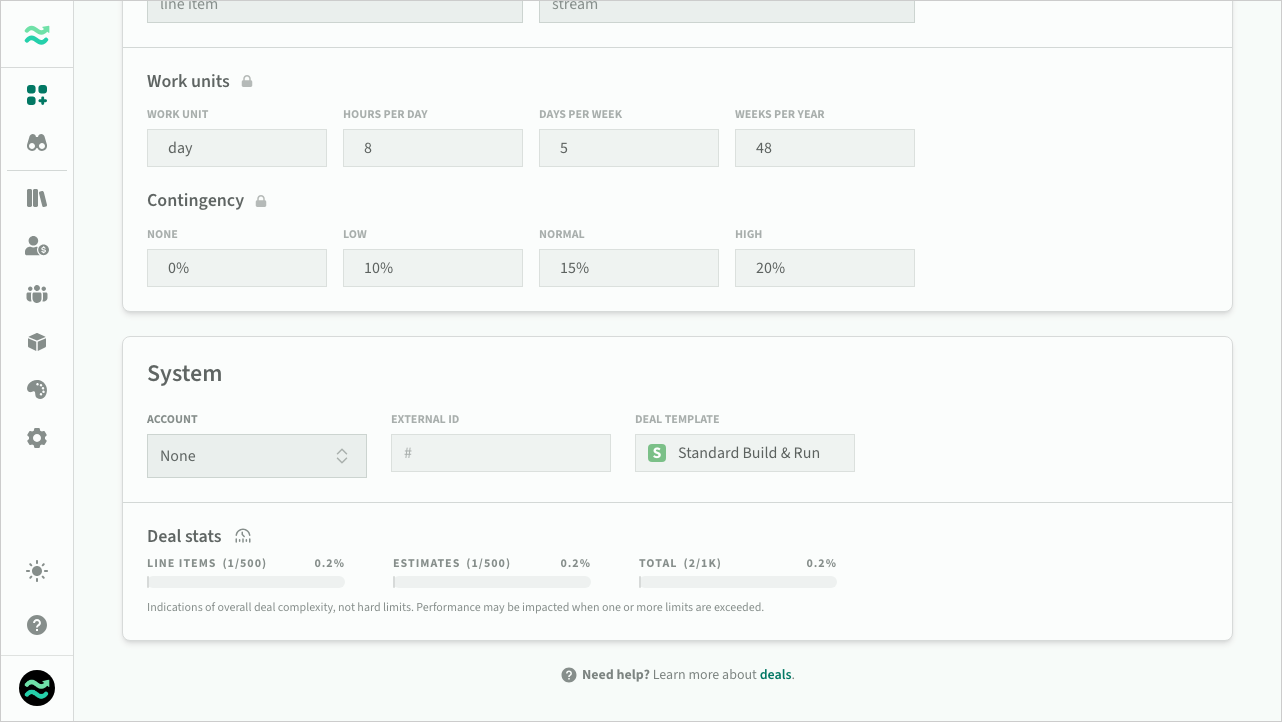 Deal template in settings