 Getting started
 Pipeline
 Forecasts
 Deals
Deals Deals (advanced)
 Proposals
 Exports
 Library
 Resources
 Integrations
 Settings
 Glossary
 FAQs
FAQs Releases
Using an AI assistant
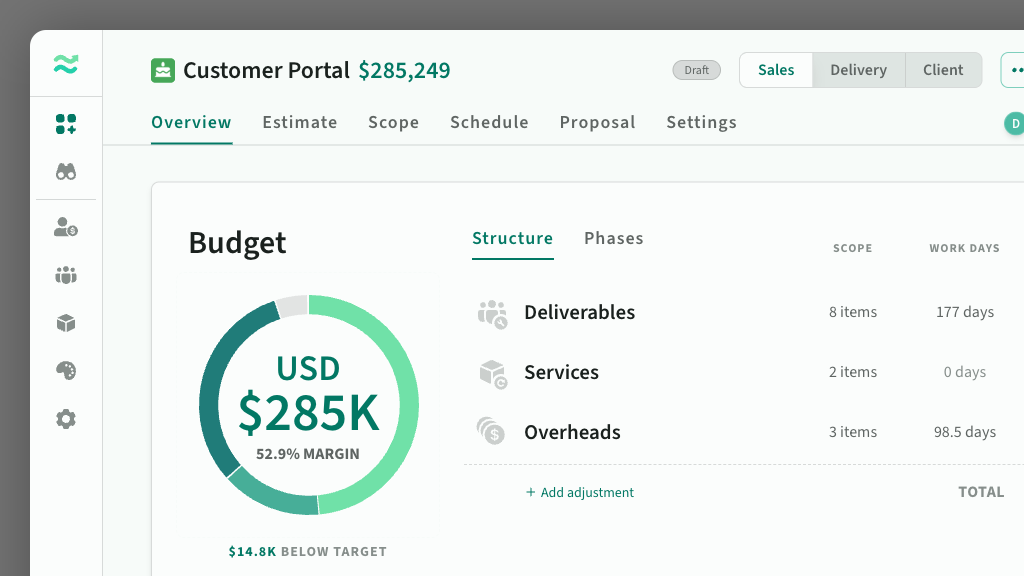
Connect Claude, Codex, Cursor, or another MCP client to Estii.
Start here
This page is a pointer. The full setup steps and agent examples live in the developer docs.
- Working with agents has example conversations for reviewing, pricing, rescoping, and updating deals.
- MCP Server shows how to connect Estii to Claude Code, Codex, Cursor, or another MCP client.
- API keys explains credentials and scopes.
What it can do
Once connected, an assistant can:
- read spaces, deals, rates, resources, templates, and Library content
- create and edit deals, including scope, estimates, versions, updates, comments, and approval steps
- preview changes before they are applied
Reads do not change Estii data. Writes are shown first and wait for approval.
What stays in the app
Some work still belongs in the app:
- editing formula variables
- authoring or approving Library items
- mapping retired resources when there is more than one sensible replacement
The assistant uses the access granted by the Estii credential you connect. It cannot read or change anything that credential cannot access.