 Getting started
 Pipeline
 Forecasts
 Deals
Deals Deal workflow
 Proposals
 Exports
 Library
 Resources
 Integrations
 Settings
 Glossary
 FAQs
FAQs Releases
API keys
IN THIS ARTICLE
API credentials let the Estii CLI and your own integrations read and update your pricing data over the Estii API. Learn how to create, scope, and revoke them.
Estii has two kinds of credential. Both are sent to the API as a bearer token and both carry a scope. You can tell them apart by their prefix: personal access tokens begin with estp_ and space API keys begin with ests_.
Personal access tokens
A personal access token acts as you, across every space you can reach. Create one in Settings > Account, under Personal access tokens. These suit the CLI and your own scripts.
The Estii CLI reads a personal token from the ESTII_TOKEN environment variable, so you can run it without signing in each time:
export ESTII_TOKEN=estp_your_token
estii deal list --space your-space
You can also run estii auth login for the interactive browser sign-in instead.
Space API keys
A space API key acts as the space itself rather than a person, so it keeps working after the user who created it leaves. These suit durable integrations such as syncing deals to another system.
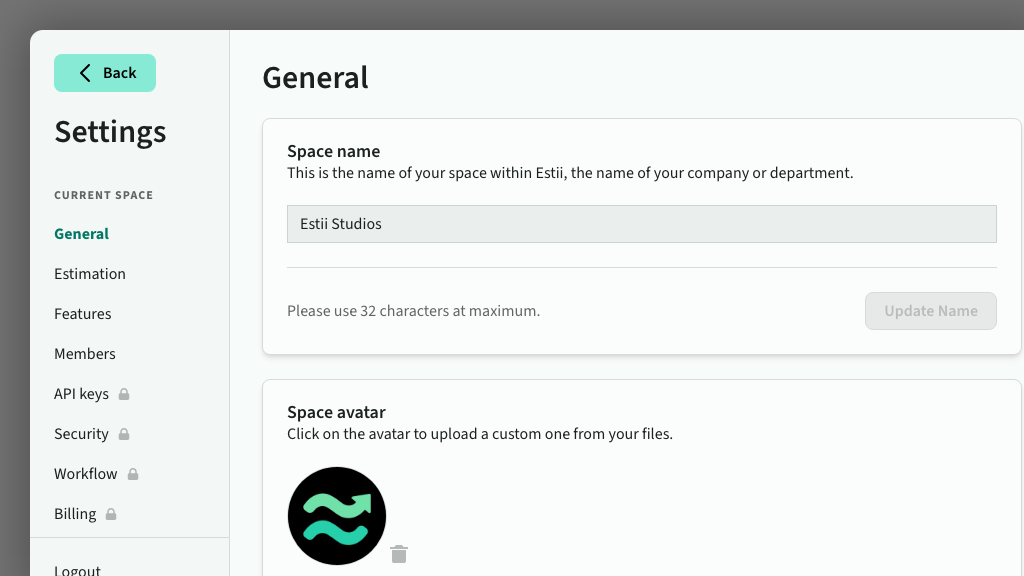
Owners and Admins create space keys in Settings > API keys.
Scopes
Every credential has a scope:
- Read allows read-only calls.
- Read and write allows reads plus changes such as updating a deal or moving it through its lifecycle.
A read credential is rejected on any endpoint that makes a change.
Create a credential
- Open Settings > Account for a personal token, or Settings > API keys for a space key
- Enter a name, choose a scope, and choose when it expires
- Click Create
- Copy the token straight away. It is shown once and cannot be retrieved later.
Revoke a credential
Each credential lists its name, prefix, scope, and last use. Click Revoke next to any credential to disable it immediately. Anything using it stops working at once.
Keep credentials safe
A credential carries the same access as the person or space it belongs to, so treat it like a password.
- Use the least scope you need. Choose Read unless an integration has to make changes.
- Set an expiry and rotate. Create a replacement before the old one lapses, then revoke the old one.
- Store it as a secret. Keep it in an environment variable or secret manager, never in source control or a shared document.
- Revoke on any suspicion. If a credential leaks, revoke it and create a new one. The original is shown only once and cannot be retrieved later.