 Getting started
 Pipeline
 Forecasts
 Deals
Deals Deals (advanced)
 Proposals
 Exports
 Library
 Resources
 Integrations
 Settings
 Glossary
 FAQs
FAQs Releases
User settings
IN THIS ARTICLE
Customise your personal Estii experience and settings
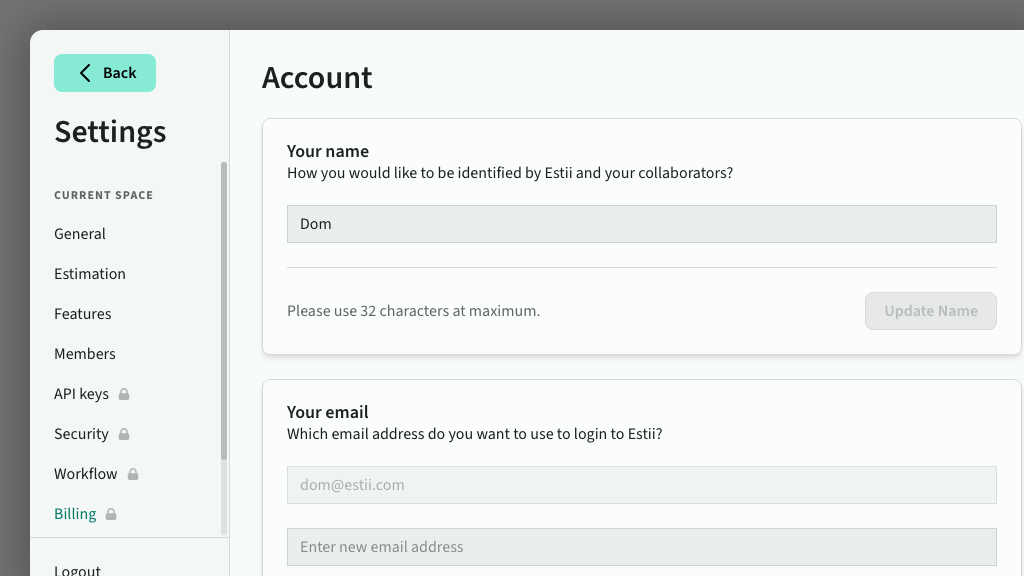
Access user settings
User settings are located in Settings > User settings. You can also access it directly from your user avatar in the bottom of the main navigation
User settings has two tabs: Account for your profile, email and preferences, and Access for your spaces, connected apps and personal access tokens.
Update profile details
Update your name, avatar and other general account settings.
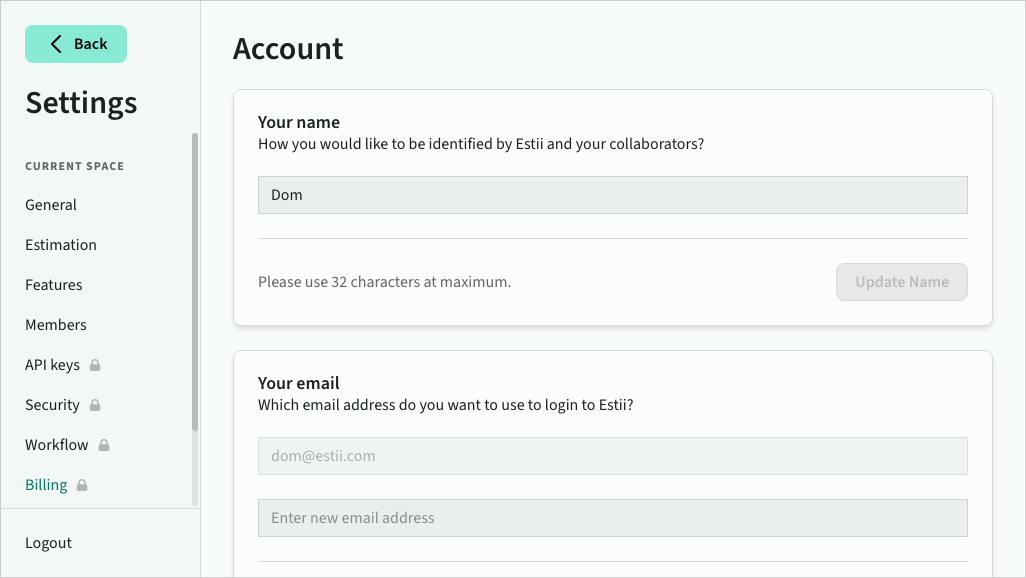 User profile settings
Change your email
You can change the email address you use to sign in to Estii. To update your email:
- In User settings, enter your new email address under Your email
- Click Update Email
- Check the inbox of your new email address for a verification link
- Click the link to confirm the change
Once verified, your login email is updated immediately and you are signed in with your new address.
Your Spaces
On the Access tab, view or manage the spaces you are a part of, or create a new space. Non-owner members can leave a space from here — you'll be asked to confirm before being removed.
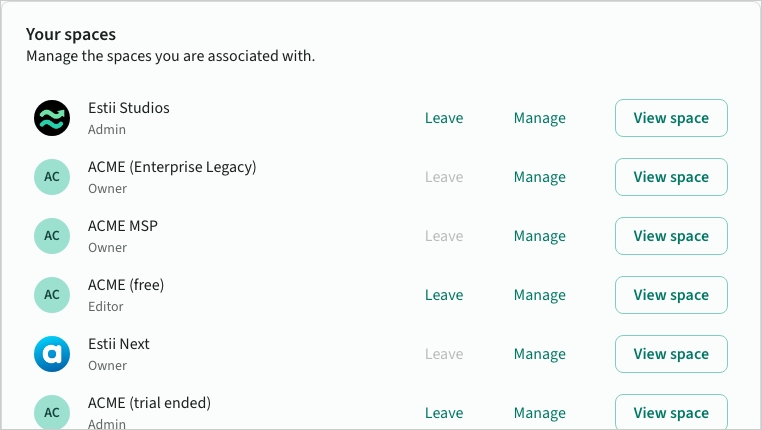 User spaces
Manage preferences
Manage other account preferences and settings
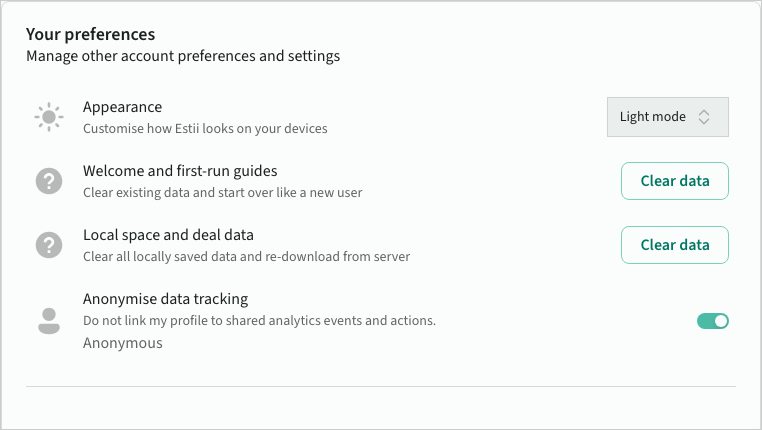 User preferences
Connected apps
On the Access tab, see the apps you've authorised to access Estii, including AI assistants and third-party integrations. Disconnect an app at any time to revoke its access.
Personal access tokens
On the Access tab, create a personal access token to use the Estii CLI or your own scripts against the Estii API. A personal token acts as you, across every space you can reach. Give it a name, choose a scope, and copy it once at creation. Set it as the ESTII_TOKEN environment variable, or run estii auth login for interactive sign-in.