 Getting started
 Pipeline
 Forecasts
 Deals
 Deal workflow
 Proposals
 Exports
 Library
 Resources
 Integrations
 Settings
 Glossary
 FAQs
 Releases
Settings
IN THIS ARTICLE
Deal settings hold the key values and preferences for a deal
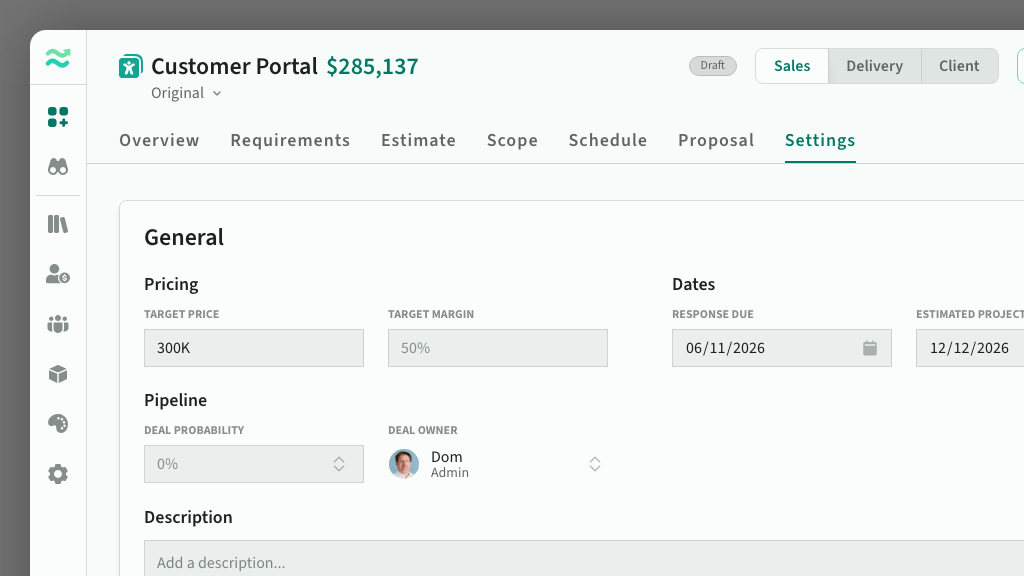
Deal settings are on the Settings tab of a deal. You can edit them while the deal is in draft.
General settings
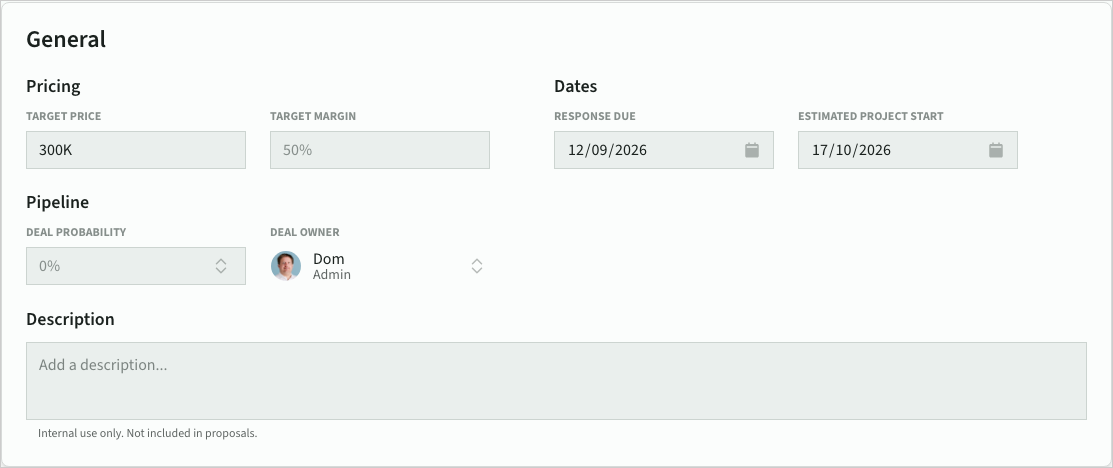
General settings hold the targets, dates and pipeline details for the deal:
- Target price and target margin: guides for your team while estimating. They are hidden in client mode.
- Response due: when your response to the buyer is due, used to track urgency.
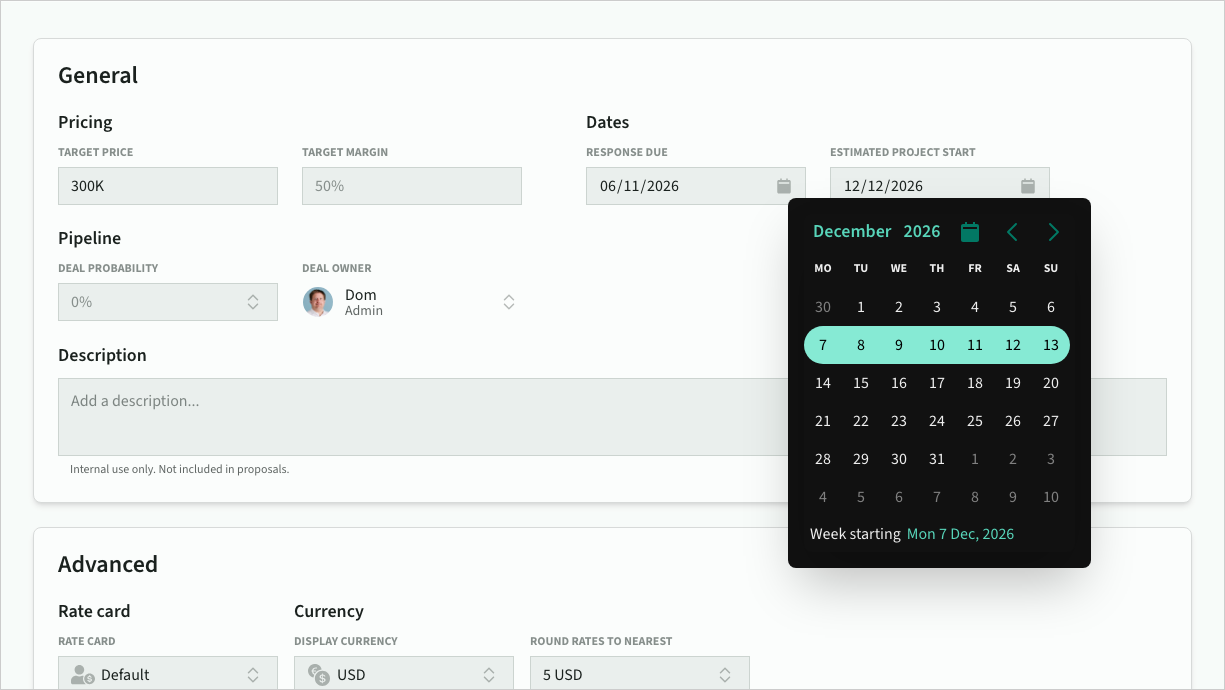
- Estimated project start: the start of the project schedule. Start dates always fall at the beginning of a week, to keep timelines clean.
- Deal probability: the likelihood of winning the deal, used for weighted pipeline revenue and capacity.
- Deal owner: the team member who owns the deal (optional).
- Description: internal notes about the deal. The description is not included in proposals.
Deal probability and deal owner appear when they are turned on in your space features. Dates cannot be set on deal templates.
 General settings
 Start date
Advanced settings
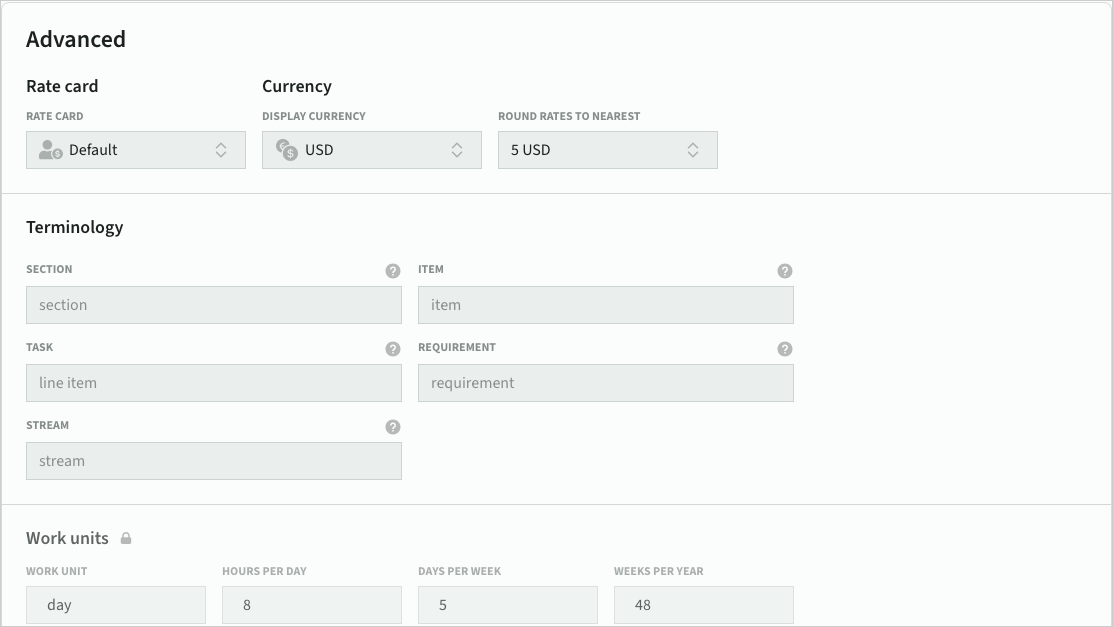
Advanced settings include Self-serve plan features:
- Rate card: the rate card used to price roles in the deal.
- Display currency: the currency the deal is priced and presented in.
- Round rates to nearest: rounding applied to rates in the display currency.
- Exchange rates: shown when the deal uses resources priced in another currency. You can edit each rate, or refresh it to the latest market rate.
 Advanced settings
Terminology
You can rename the terms used in this deal: section, item, line item, requirement and stream. Type the name you want, or leave a field empty to keep the space default. Help-centre docs always use the default names.
Work units and contingency
Work units (work unit, hours per day, days per week, weeks per year) and contingency rates are shown for reference. They are managed in space estimation settings. A warning icon marks any value that differs from the space, which you can bring into line with a deal update.
System settings
System settings show who the deal is for and where it came from:
- Account: the client account for the deal. Accounts cannot be set on deal templates.
- External ID: the deal's id in a connected system such as your CRM (not editable).
- Deal template: the template the deal was created from, if any.
Every variant of an opportunity shares one account, so changing it on one variant changes it on all of them. If another variant's status no longer allows the change, the account stays as it is and Estii names that variant.
 System settings
Deal stats
Deal stats show how many line items and estimates the deal contains, as an indication of overall deal size and complexity. They are a guide, not hard limits.