 Getting started
 Pipeline
 Forecasts
 Deals
 Deal workflow
 Proposals
 Exports
 Library
 Resources
 Integrations
 Settings
 Glossary
 FAQs
 Releases
AI agents
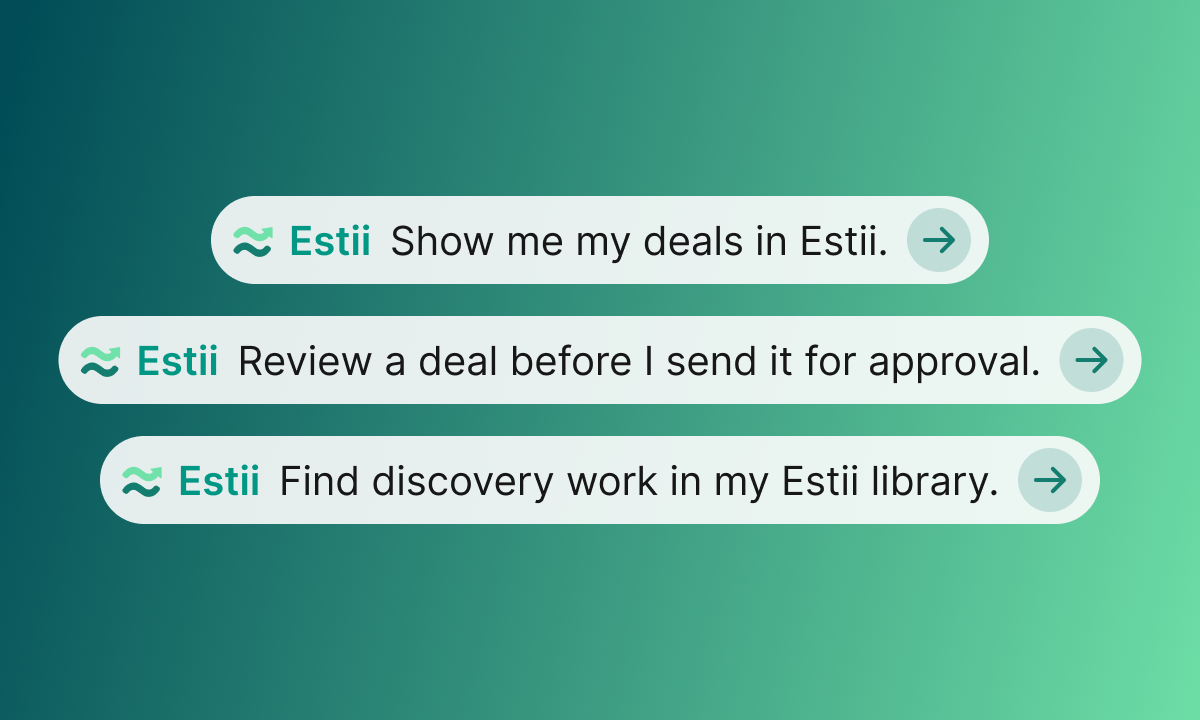
Connect Claude or ChatGPT to Estii and ask about your deals, pipeline and library in plain language. Your assistant works with the same access you have, and shows you each change before it's saved.
Claude
- Open the Estii plugin for Claude
- Connect it to your Claude account
- Sign in to Estii and approve the connection
ChatGPT
- Open the Estii plugin for ChatGPT
- Add it to ChatGPT
- Sign in to Estii and approve the connection
Coding agents and other assistants
Claude Code, Codex, Cursor and other MCP clients connect to Estii's MCP server. See MCP server for setup.
Things to try
- "Review the Acme portal deal before I send it for approval. What should I be worried about?"
- "Create a deal for Acme's portal rebuild from our Website Build template, and add discovery and QA from our library."
- "What changed in the Acme deal since the version we sent the client, and why did the margin drop?"