 Getting started
 Pipeline
 Forecasts
 Deals
 Deal workflow
 Proposals
 Exports
 Library
 Resources
 Integrations
 Settings
 Glossary
 FAQs
 Releases
Microsoft Teams integration
IN THIS ARTICLE
Post a message to a Microsoft Teams channel when a deal changes, using the Send Webhook action.
Set up a channel webhook in Teams
- In the Teams channel, open … > Workflows and choose Send webhook alerts to a channel.
- Pick the team and channel, and set who can trigger the flow to Anyone. The link carries its own key, so Estii doesn't need a Microsoft account to post.
- Save, then copy the webhook URL.
Send messages from Estii
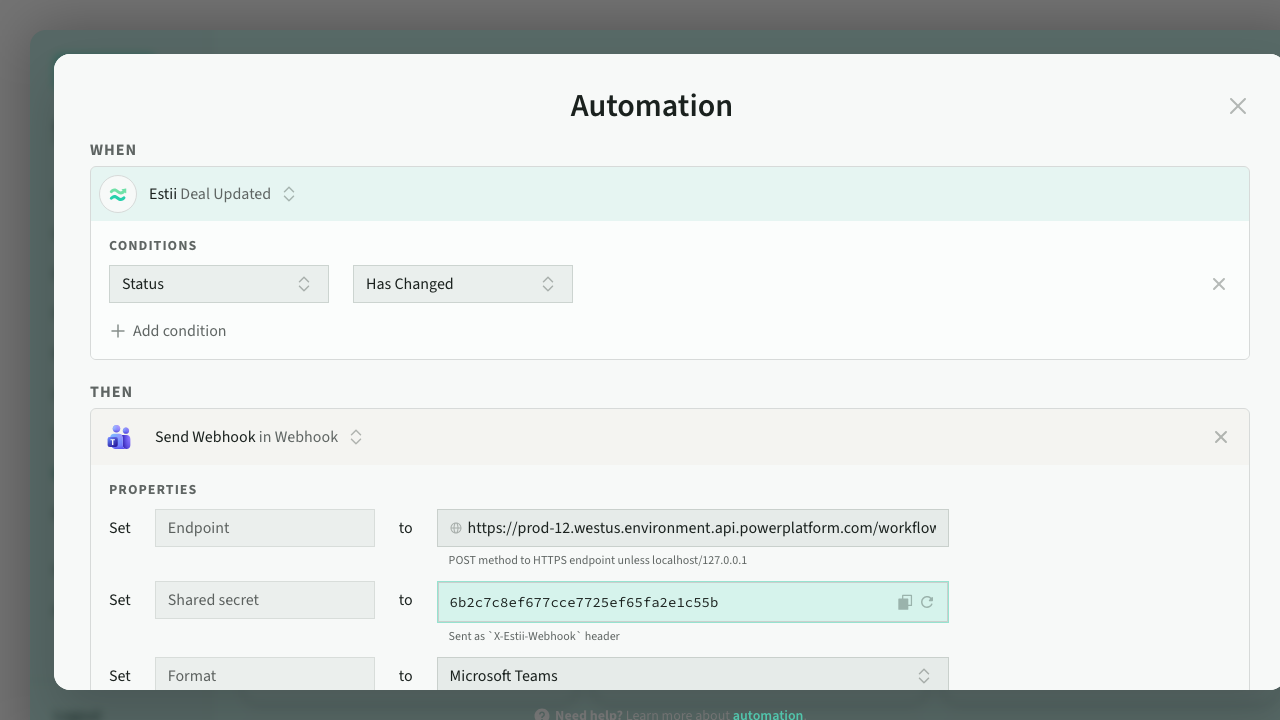
- Go to Settings > Workflow > Automations and click Use it on Send Webhook to Microsoft Teams under Recommended.
- Paste the URL into Endpoint. Format is already set to Microsoft Teams.
- Write your Message.
- Click Send test payload and check the channel.
- Activate the automation.
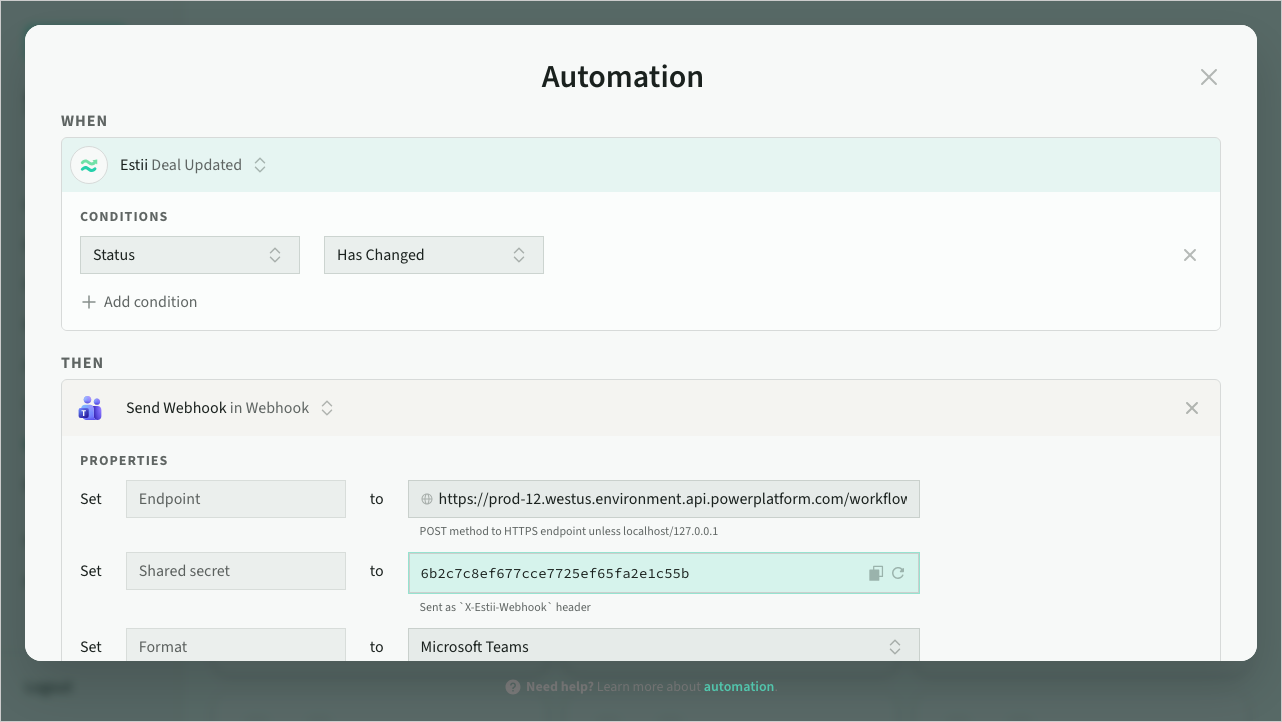 Teams automation
Keep the workflow running
The workflow belongs to the person who created it in Teams. Add a co-owner so posts keep arriving if they leave.
Need help?
Don't hesitate to get in touch with our support team if you need a hand posting to Teams.