 Getting started
 Pipeline
 Forecasts
 Deals
 Deal workflow
 Proposals
 Exports
 Library
 Resources
 Integrations
 Settings
 Glossary
 FAQs
 Releases
Modes
IN THIS ARTICLE
Estii provides three distinct modes for users.
Sales mode
Tailored for sales teams, this mode shows pricing, margins, and the total value of projects to help optimise proposals and negotiations.
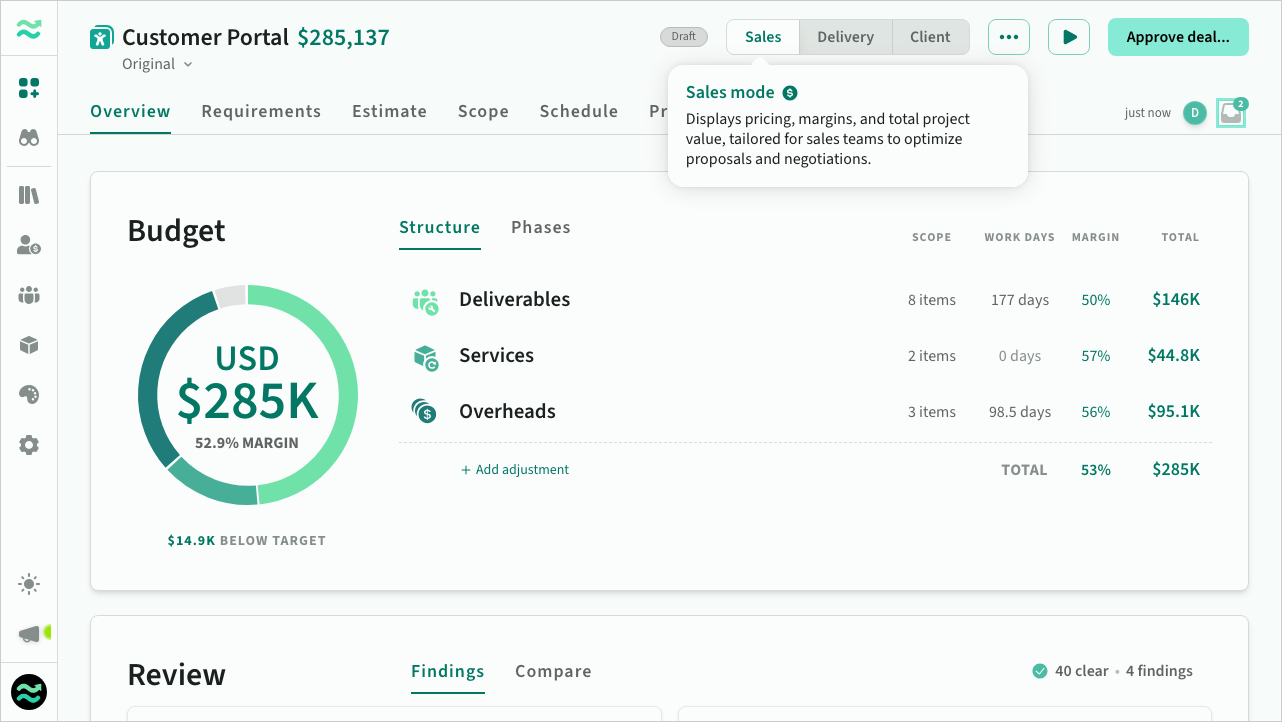 Deal overview in sales mode
Delivery mode
This mode is for delivery teams, focusing on internal costs and resource planning to ensure efficient project execution.
To avoid confusion and improve financial comprehension, delivery mode highlights costs and associated details in gold, clearly distinguishing them from pricing displayed in green.
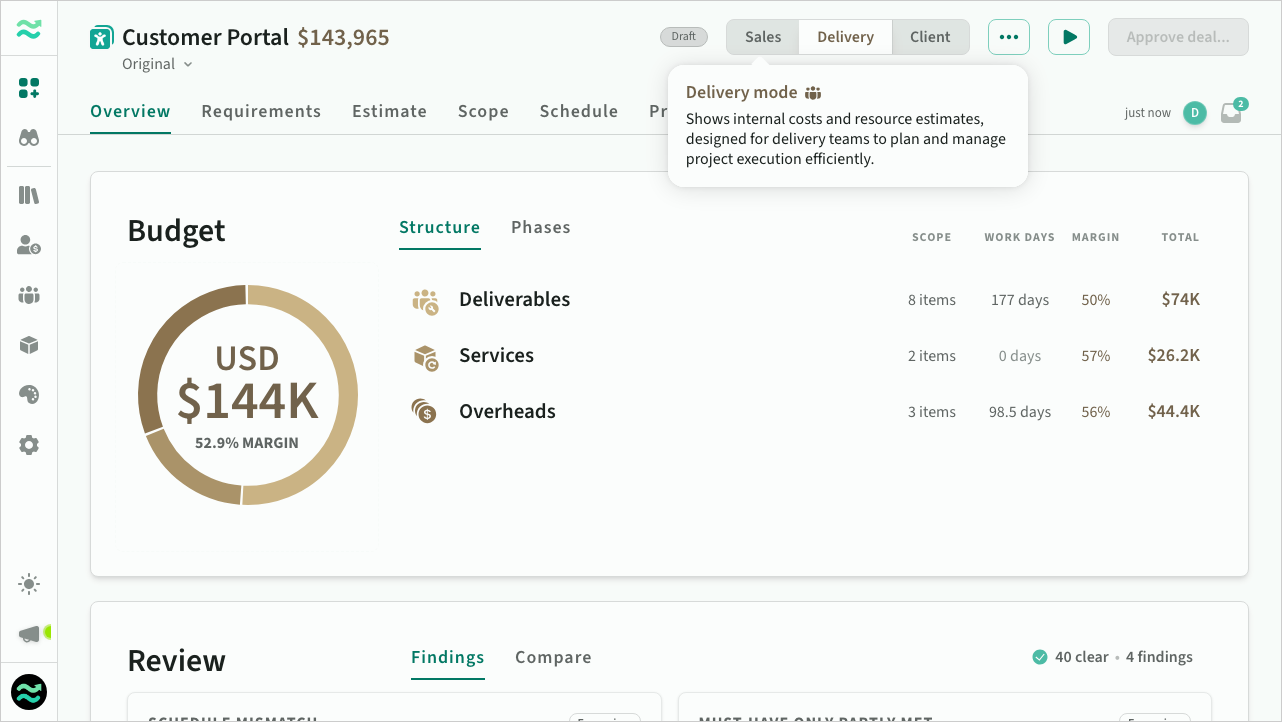 Deal overview in delivery mode
Client mode
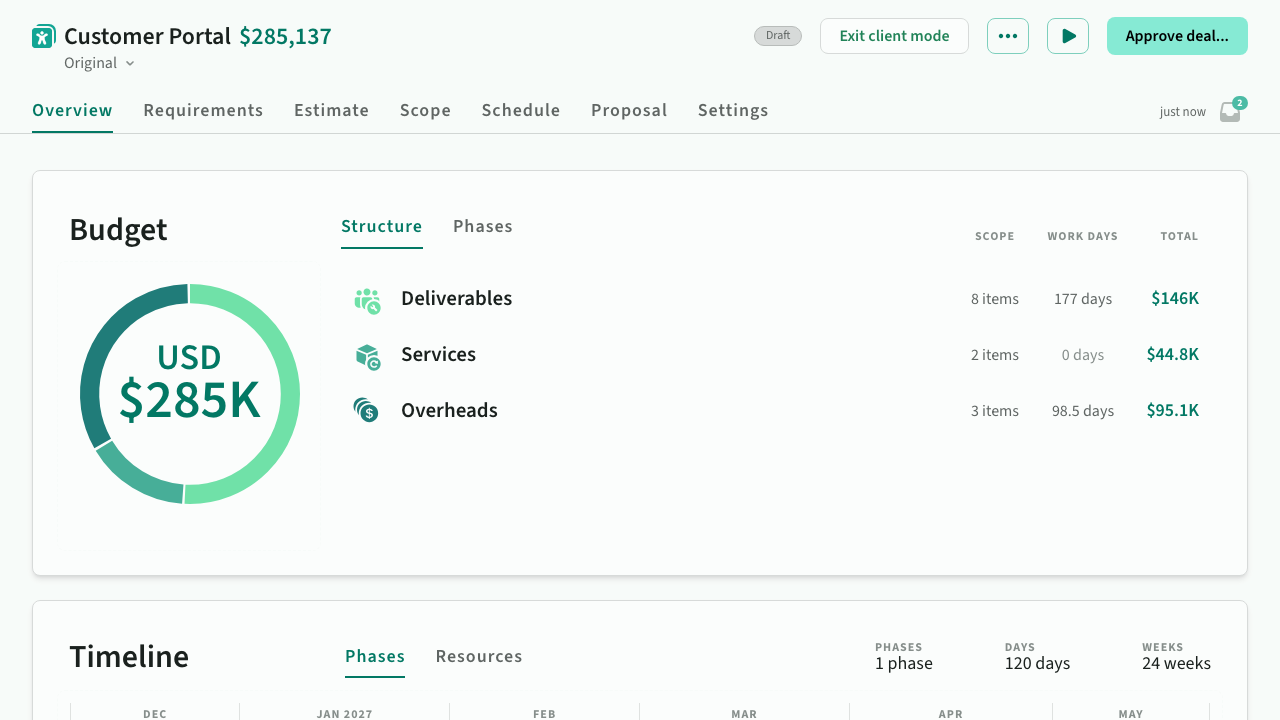
Designed for customer interactions, this mode displays pricing without revealing sensitive information like margins, with certain features and navigation hidden.
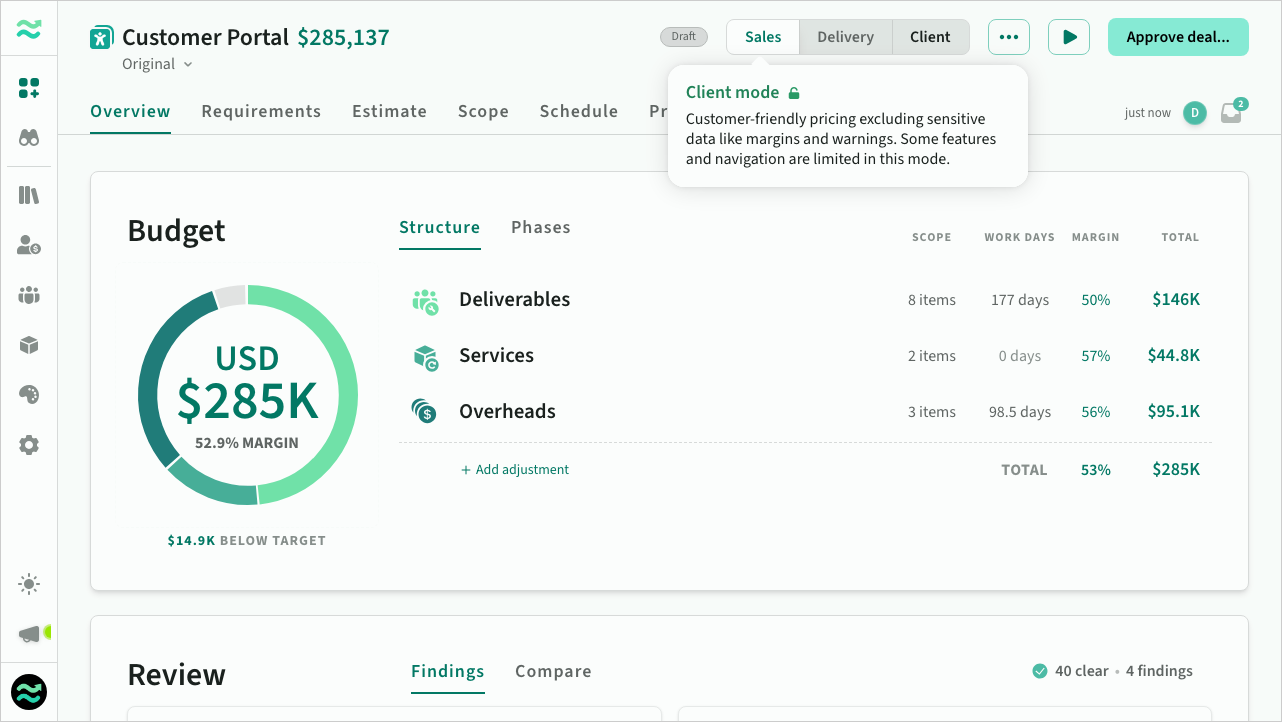 Deal overview in client mode
When client mode is active:
- Sensitive data such as margins, target prices and scheduling warnings are hidden from view
- Navigation outside of the deal is disabled to prevent you accidentally opening your pipeline or rate card in front of clients
- Switching client mode off displays a confirmation prompt (to prevent accidentally turning it off mid presentation)
When activated, navigation and margins are hidden from view Confirmation prompt appears when exiting client mode or navigating away from the deal.