 Getting started
 Pipeline
 Forecasts
 Deals
Deals Deals (advanced)
 Proposals
 Exports
 Library
 Resources
 Integrations
 Settings
 Glossary
 FAQs
FAQs Releases
AI agents, API & CLI
Jul 27, 2026
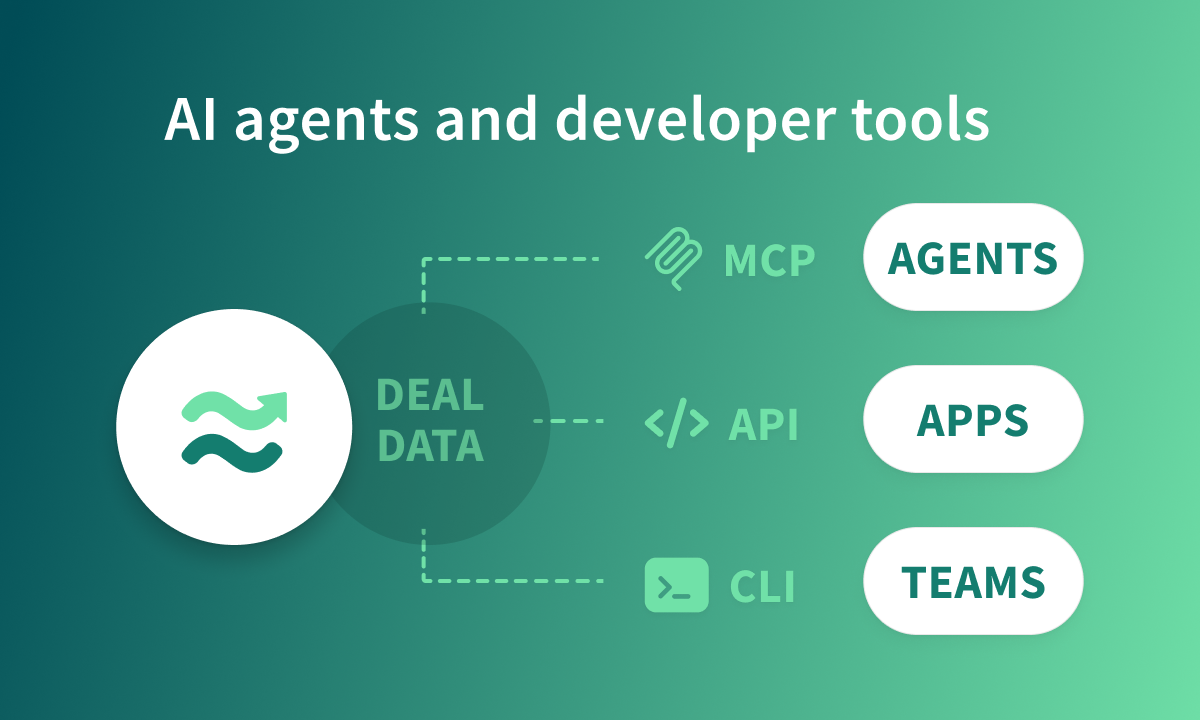
Connect your AI agent to Estii and work with your deals in plain language, with a new CLI and API for your own tools and scripts. Plus payment milestones you can set per phase.
Overview
Your deals live in Estii, but your work doesn't stop there. You shouldn't have to be in the app to work with your commercial data. Connect an AI agent, automate Estii from your own tools, or build directly on the API, all over the same commercial data.
- Connect your AI agent. Estii speaks the Model Context Protocol, so Claude Code, Codex, or Cursor can read and update your deals in plain language
- Work with Estii from your own tools. Use the CLI or API to read and update the same commercial data from your own systems and reports
- Payment milestones per phase. Each phase can now have its own payment model and schedule
Connect your AI agent
The quickest way to work with Estii outside the app is through an AI agent. Estii now speaks the Model Context Protocol (MCP), so tools like Claude Code, Codex, and Cursor can read and update your deals for you.
Just ask in plain language. Talk in names, not IDs, and the agent looks everything up. Summarise a deal, review margin, price a change, export to XLSX, or request approval.
Setup is a single command, with nothing to install. Reads are safe and changes are explicit, so the agent always confirms before it writes anything, and you can ask for a dry run to preview a change first.
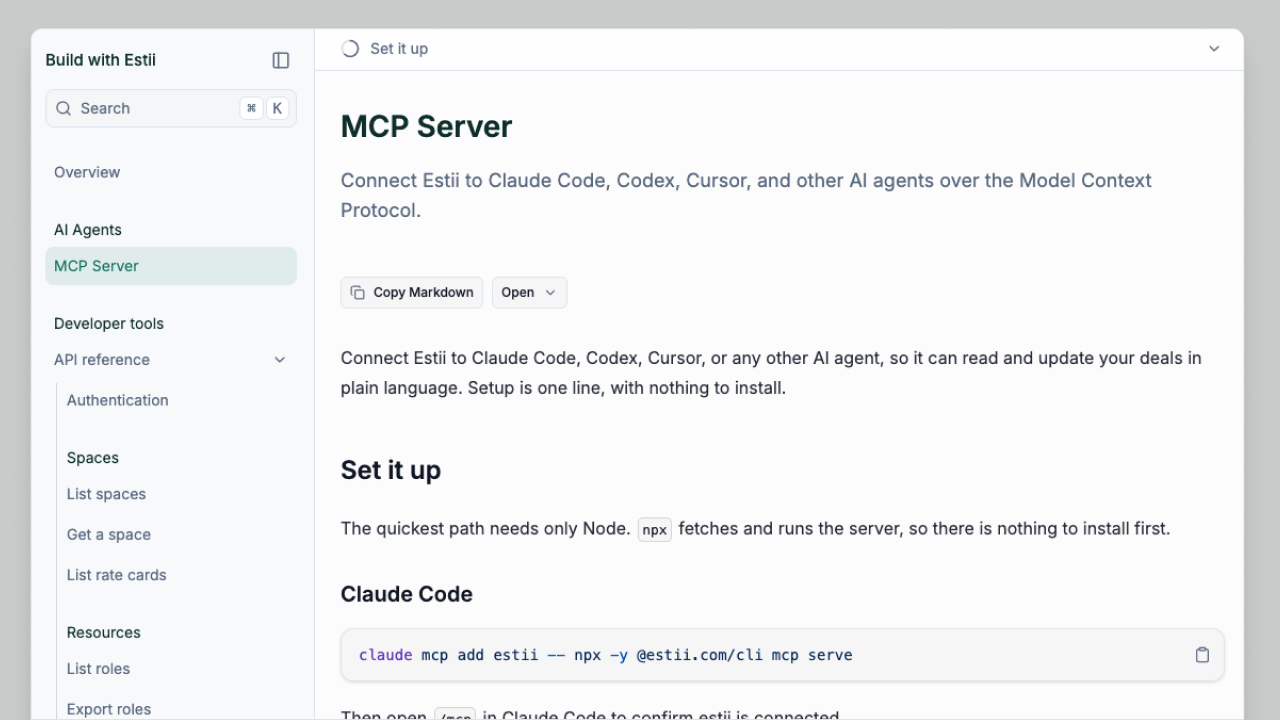 https://www.estii.com/dev
Work with Estii via API
Prefer the command line, or want to connect Estii to another system? The estii CLI and JSON REST API expose the same commercial operations available in Estii. Read deal data, update fields, run estimates, drive approvals, and work with spaces, rate cards, roles, products, streams, and templates.
Run the CLI on demand with npx, or install it so estii is always on hand. The API lives at https://api.estii.com/v1.
Both use the same credentials. Sign in once with estii auth login, or create a token in settings and send it as a bearer token. There are two kinds:
- Personal access tokens act as you across every space you can reach, created in Settings > Account. Best for your own scripts.
- Space API keys act as the space itself and are best for durable integrations. Available on Enterprise plans in Settings > API keys.
Each token has a scope, read or read and write, and an expiry. Revoke any of them the moment you no longer need it.
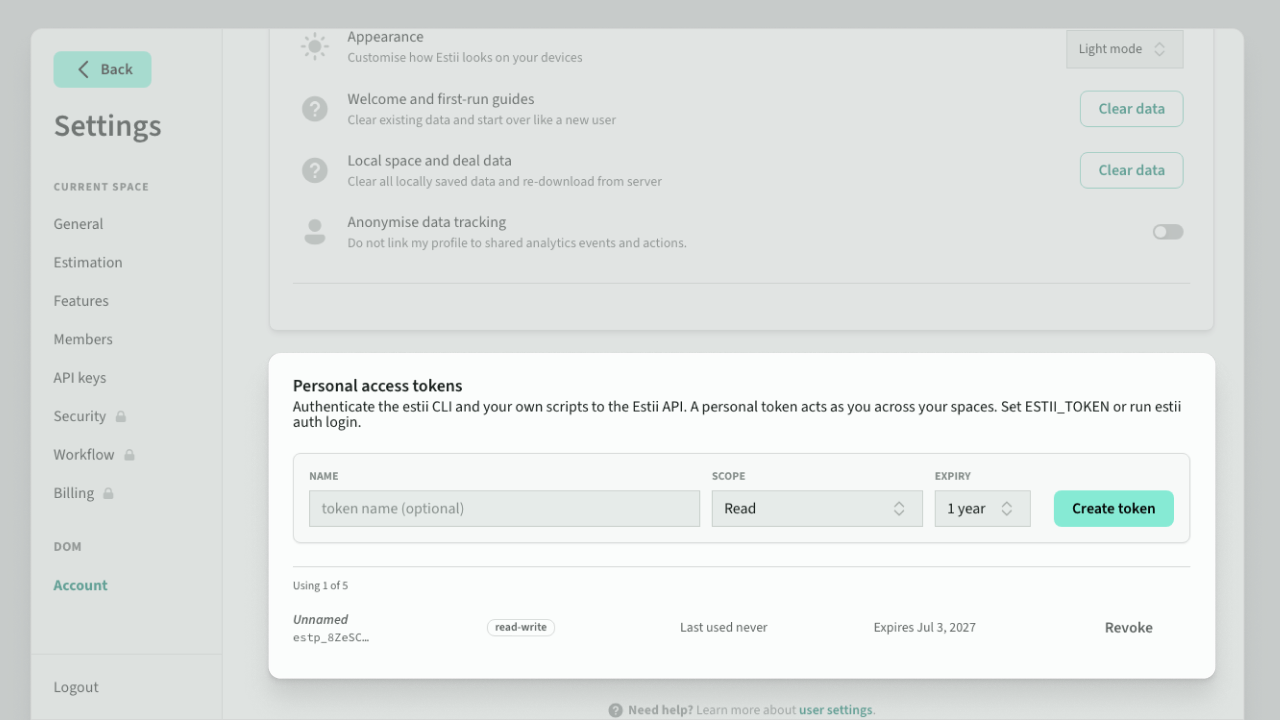 Personal access tokens in Account settings
Payment milestones per phase
Each phase can now have its own payment model and schedule. Bill a fixed-price Build phase 50/50 while a Run phase invoices monthly, then see the impact on revenue and margin as you go.
Also included:
- Periodic milestones: schedule recurring payments at the start or end of each billing period
- Phase adjustments: allocate discounts and charges to a specific phase's payment milestones
- Milestone chart: fixed Y-axis alignment after collapsing sections
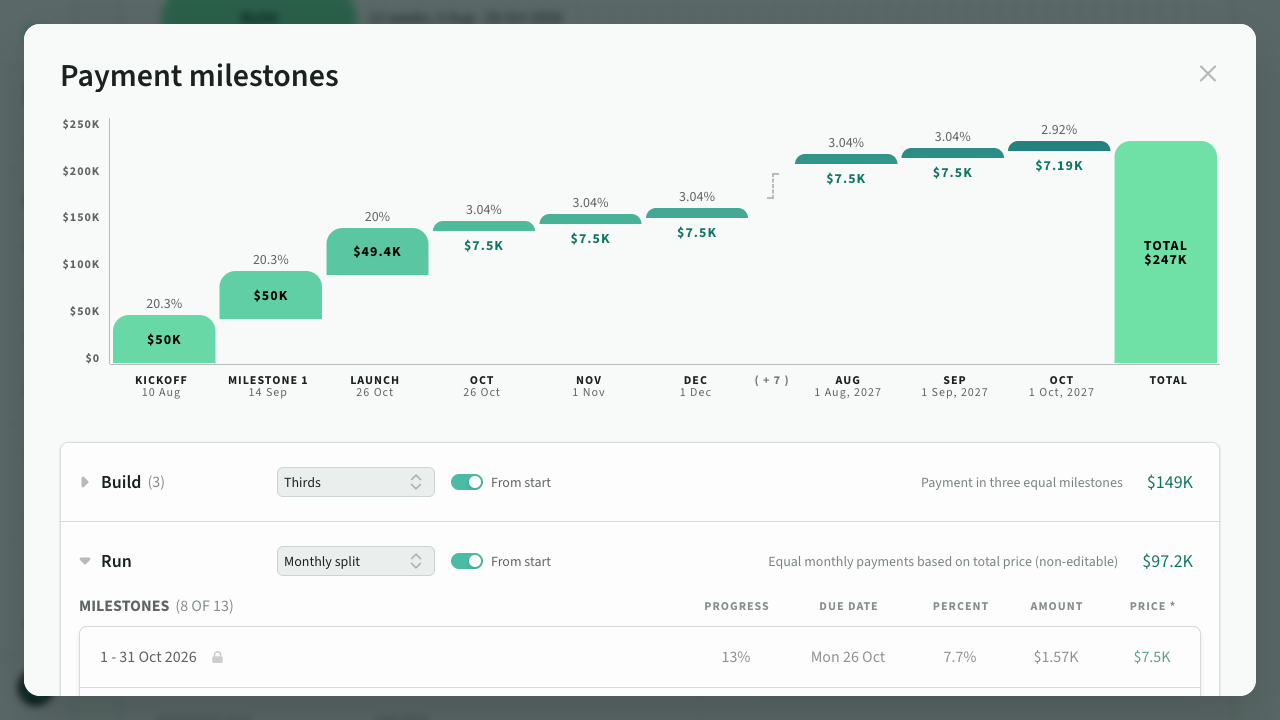 Payment milestones per phase
Updated terms and privacy
With the API, CLI, and AI agent support now available, we have updated our legal documents, effective July 27, 2026:
- Terms of Service: a new API and programmatic access section. You are responsible for activity under your tokens, keep them confidential, don't share or resell them, and we may rate-limit or revoke tokens to protect the service
- Privacy Policy: when you connect an external AI agent, the data it accesses goes to the AI provider you chose, under their terms. Estii's no-training arrangement with OpenAI covers our built-in AI features only, not providers you connect yourself
- DPA: agents you connect are customer-controlled integrations, not Estii sub-processors. Issue read-only tokens where you can, and rotate space API keys when someone leaves your team
Nothing changes about how Estii handles your data, and no new sub-processors were added.